This month, we’ve made it easier to scan your Check results and see exactly how credits are used.
Whether you’re reviewing errored pages or spotting SEO gaps, the new summary view helps you focus on what matters faster.
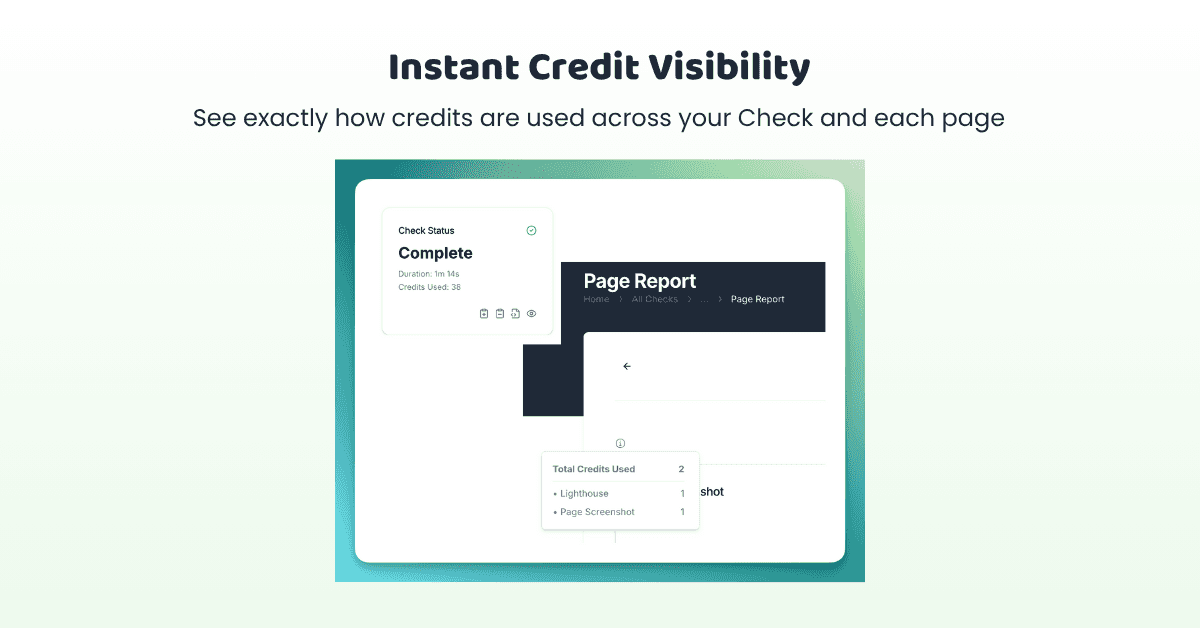
You can also track credit usage at both the Check and page level, so you know how each screenshot, Lighthouse run, and interaction test adds up.
Here’s what’s new in Sitepager this month.
✅ New: See Credit Usage Clearly
We’ve made it easier to understand how credits are used:
- Page-level breakdown – See credits used for screenshots, Lighthouse runs, and interactions like clicks and hovers.
- Crawl-level summary – Get a total count per Check, visible right in the status box.
Page-level breakdown – See credits used for screenshots, Lighthouse runs, and interactions like clicks and hovers.
Crawl-level summary – Get a total count per Check, visible right in the status box.
How it helps:Track credit usage clearly with no guesswork. Whether you’re scanning 5 pages or 500, it’s now easy to see what each credit delivers.
📋 Better Scan Insights & Summary
We’ve revamped the summary card to give you a quicker snapshot of what matters:
- Total pages scanned, changes and errors
- Highlighted SEO gaps like missing meta descriptions or titles
- Cleaner layout, easier to scan at a glance
Total pages scanned, changes and errors
Highlighted SEO gaps like missing meta descriptions or titles
Cleaner layout, easier to scan at a glance
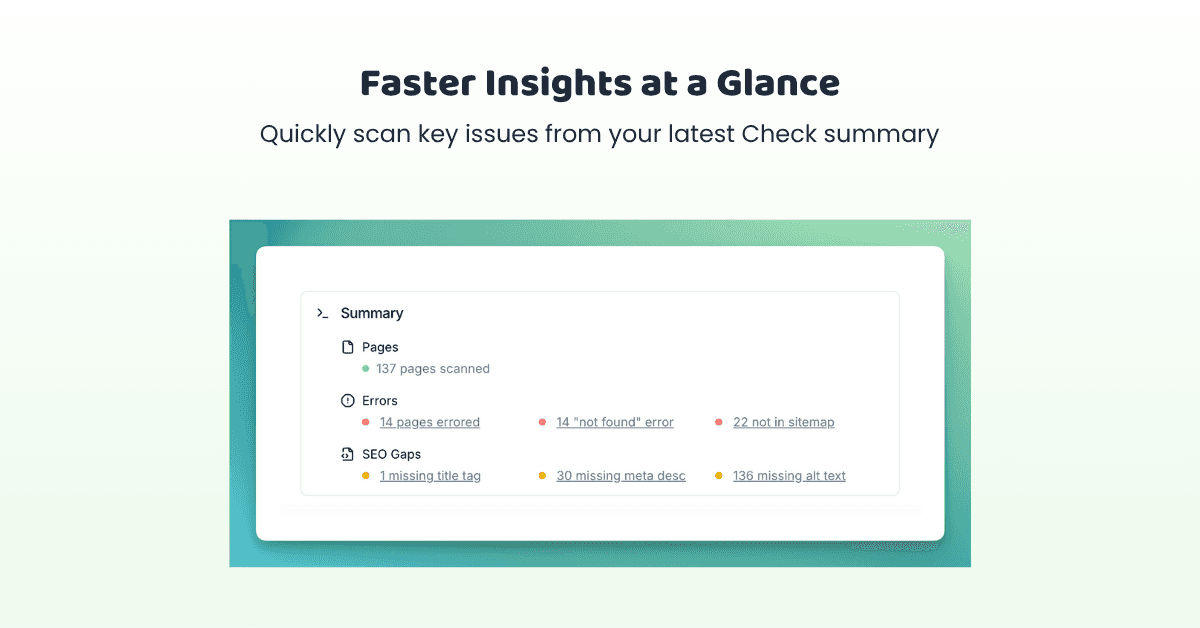
💡 Pro Tip: Click on any issue in the summary to filter the full list instantly.
How it helps:
Review issues faster and focus on what needs fixing first. It’s the quickest way to go from scan to review and fix.
🛠 Improvements under the Hood
- Login-based crawling and screenshotting is now more reliable for authenticated pages. Fewer edge cases, better coverage.
- Improved crawl logic around redirect handling
- Better handling of non-HTML links. Sitepager now skips screenshots for PDFs, images, and other files that don’t need visual checks.
Login-based crawling and screenshotting is now more reliable for authenticated pages. Fewer edge cases, better coverage.
Improved crawl logic around redirect handling
Better handling of non-HTML links. Sitepager now skips screenshots for PDFs, images, and other files that don’t need visual checks.
That’s it for this month.Every update helps make Sitepager a little more useful for your next Check.
🔎 Ready to try it? Run a Check →